
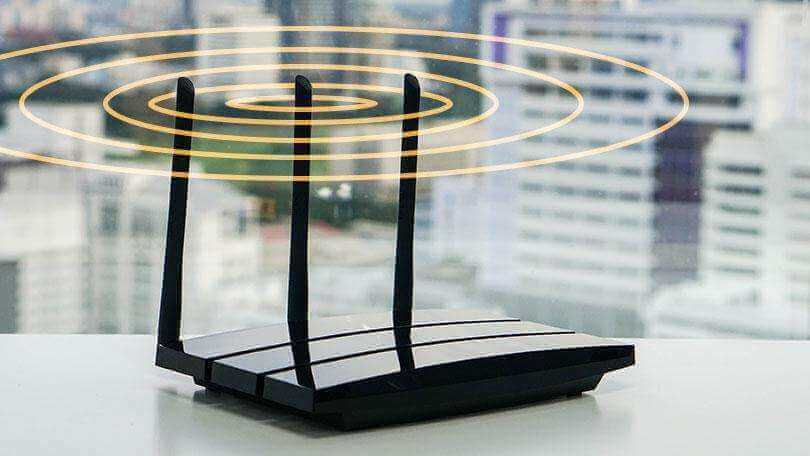
People are increasingly reliant on the internet. They use it for work, school, and personal business. When the internet moves at a crawl, the Wi-Fi signal regularly drops, or the home has multiple dead zones, it makes them want to scream. Fortunately, these problems can often be resolved quickly. Try the following tips to boost the Wi-Fi signal in every room.
Table of Contents
Speed
Before switching services and having strangers in the home installing Wi-Fi, check the speed of the existing connection. The problem might lie outside the house rather than within the home network. Connect a computer or laptop to the router using an Ethernet cable and conduct a speed test. If the speed doesn’t match what the provider advertised, the router or modem might need replacement. If that isn’t the issue, upgrading to a better plan may resolve the problem.
When the speed matches the provider’s advertised speed, test it in different parts of the home. Conduct a test standing next to the router and repeat it in a different part of the home. If the speeds differ significantly, Wi-Fi coverage is to blame. When the speed is slow standing next to the router, consider upgrading the router and/or modem.
Firmware Update
Router manufacturers roll out firmware updates. Visit the administration interface and look for an upgrade button. If this button isn’t available, visit the manufacturer’s website and download the newest firmware file. Upload this file to the administration interface. Check for firmware updates before problems are noticed to prevent a service slowdown due to a missing update.
Router Placement
Many homes have inconsistent Wi-Fi signals. Relocating the router in the house often resolves this issue. The router should be away from walls and other obstructions to ensure it doesn’t overheat, which can interfere with the signal. Find a location in the center of the home for the router so the signal will be evenly distributed. To minimize interference, try to eliminate walls between the router and the area where the internet is most often accessed.
Appliances and electronics near the router can reduce Wi-Fi performance. Some routers have external antennae. Orient the antenna vertically to increase Wi-Fi coverage, and place the router high on a wall to improve the signal.
Frequency
Many people don’t know their Wi-Fi frequency, and this frequency could be the source of the problem. Individuals with dual-band routers should use the 5GHz band to increase Wi-Fi speed. This band is less susceptible to interference because it isn’t used as often. However, obstructions and the distance between the device being used and the router matter. The signal doesn’t reach as far on the 5GHz band as it does on the 2.4GHz band. Most dual-band routers use the same network name and password on both bands, so the router will automatically select the best signal.
Wi-Fi Intruders
Networks with weak or missing passwords are open to unwanted guests. Speed suffers when someone outside the household connects to the network. Invest in a tool that will show all devices using the network and remove any unknown devices. Add a password or strengthen the existing one. If one family member uses most of the bandwidth, let them know that changes must be made so all family members can have a strong signal.
Life is too short to live with an inferior Wi-Fi connection. Try the tips outlined above to see if the signal improves. If it doesn’t, now may be the time to upgrade the connection. However, try all remedies before making this move to save time, money, and hassle.

