
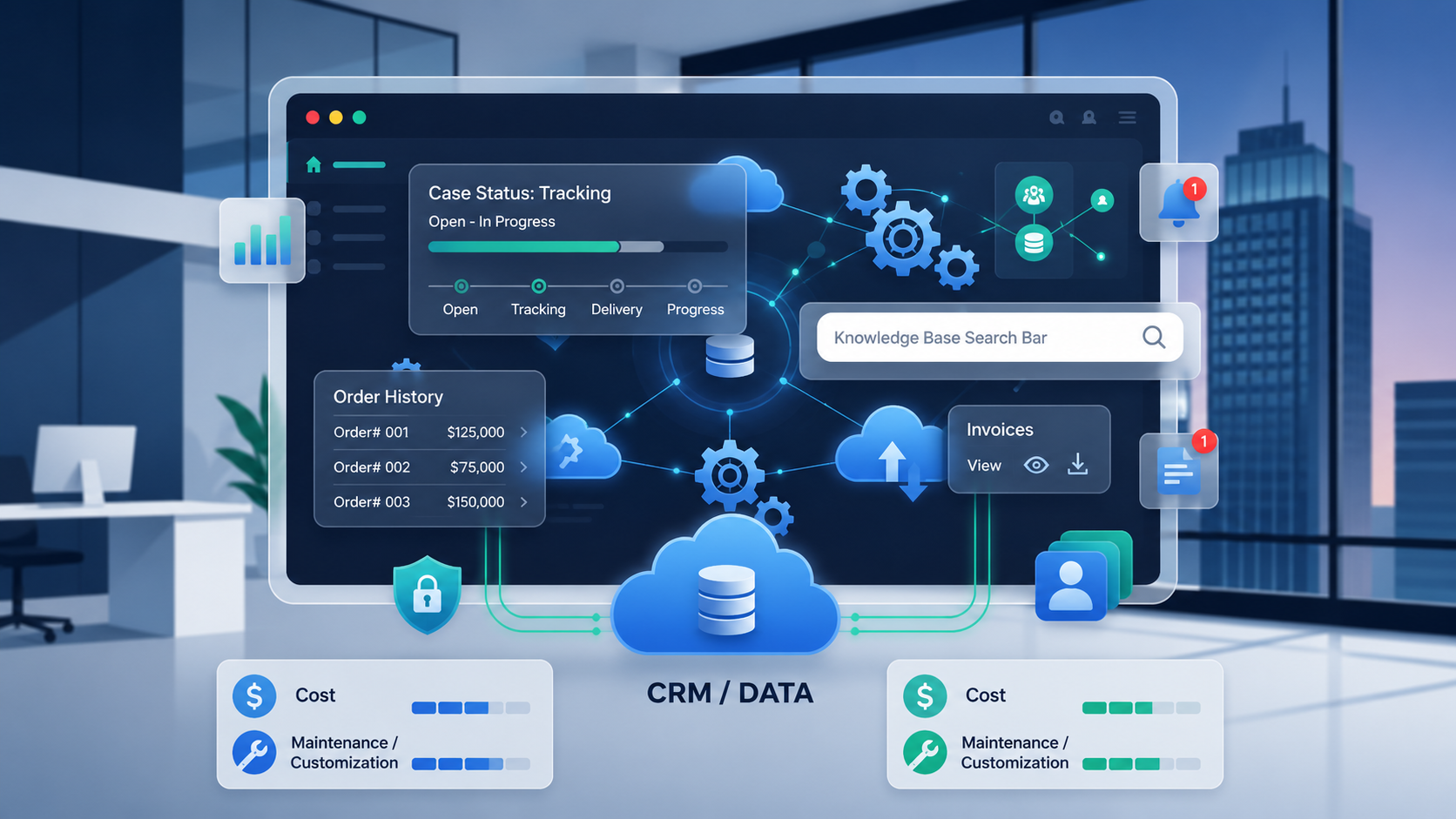
Most Salesforce client portals get judged on the login screen. Does it look clean? Is it branded? Does the password reset work? Those things matter, but they are not what decides whether a portal actually reduces your support load. The features that do that work sit behind the login, and plenty of teams either turn them off during setup or never realize they were available.
Here are the ones that earn their place, and why each one changes what happens after a customer signs in.
Table of Contents
Real-time, two-way CRM sync
This is the feature everything else depends on. A Salesforce Customer Portal is only worth having if the numbers it shows are the current numbers. When a case status changes in Salesforce, the customer should see the change without anyone re-keying it. When a customer submits a request through the portal, it should land in Salesforce as a record your team can act on, not sit in a separate database waiting for a nightly import.
Two-way sync is what makes a Salesforce Customer Portal an extension of the CRM rather than a copy of it. If a portal only reads from Salesforce, or only updates on a schedule, you inherit exactly the manual reconciliation the portal was supposed to remove. Confirm this before anything else.
Role-based access control
Not every customer, partner, or vendor should see the same thing. A distributor needs pricing and stock levels a retail customer should never touch. A partner tier gets deal registration; a basic account does not. Role-based access control lets you define who sees which records and which actions they can take, mapped to the roles you already keep in Salesforce.
Done well, this is invisible to the customer and quietly essential to you. It is also a security control, not just a convenience one, which is why it belongs on every deployment rather than the advanced ones.
Case management with knowledge base deflection
The point of a self-service portal is that fewer people call. Case management inside the portal lets customers open, track, and resolve tickets themselves. Pairing it with a searchable knowledge base does more: when someone starts to log a case, the portal can surface relevant articles first, and a share of those customers find their answer and never file the ticket at all.
That deflection is where support-cost savings actually come from. A portal that only accepts tickets moves the queue online. A portal that answers questions before the ticket exists shrinks the queue.
Self-service account and document access
The most common support requests are also the most repetitive: where is my order, resend my invoice, what does my contract say. Giving customers direct access to their own order history, invoices, and documents removes a large slice of routine contact. Document management with role-based visibility means the right customer sees the right files, and nobody has to email a PDF that already exists in the system.
A no-code builder and branding control
This one is about who maintains the portal, not what the customer sees. A no-code, drag-and-drop builder lets a marketing or operations owner adjust pages, map fields, and update content without booking developer time for every change. Full branding control keeps the portal looking like your business rather than a generic template. Together, they decide whether the portal stays current or slowly drifts out of date because every edit needs a ticket to IT.
CRM-connected dashboards
Customers stay engaged with a portal that shows them something useful at a glance. Dashboards built from live CRM data, an open case count, recent orders, outstanding invoices, and upcoming renewals turn the portal from a form into a place worth checking. Because the widgets pull from Salesforce directly, they stay accurate without manual updates.
Security that holds up to scrutiny
If your portal exposes customer data, security is not a feature you add later. Single sign-on, multi-factor authentication, and encryption in transit and at rest are the baseline. For regulated industries, certifications such as ISO 27001 and a clear position on GDPR or HIPAA move from nice-to-have to prerequisite. Buyers in finance, healthcare, and legal will ask about this early, so it is worth confirming before you commit.
Putting it together
None of these features is exotic. The gap is usually not availability but activation: portals ship with capabilities that never get switched on because the initial setup focused on getting people logged in. Platforms like CRMJetty’s Salesforce Customer Portal include this set out of the box, but the same advice applies whatever you build on. Before you launch, walk the list and ask a plain question for each item: is it on, is it mapped to the right roles, and does it pull live data? The portal that answers yes three times is the one that actually takes work off your team.

