
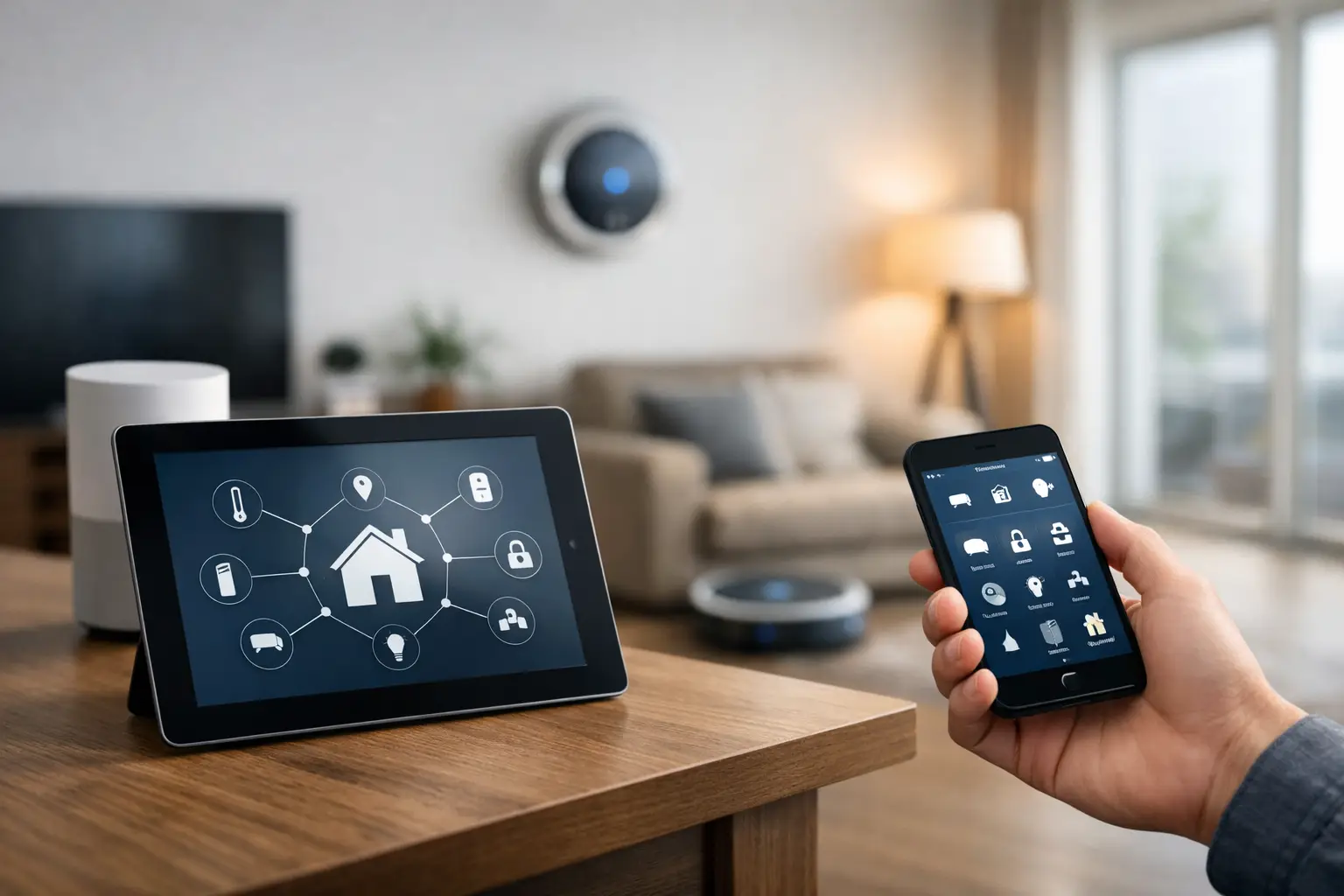
You can automate your home by picking a compatible platform. Connect useful devices. Create routines that respond to schedules, sensors, or your actions. Start by automating simple tasks like lighting, temperature, and entry control before you connect more parts of the house.
The best setup solves repeated daily problems instead of adding technology for its own sake. Start small, test each routine, and expand when the first automations work reliably.
Table of Contents
Key Takeaways
- Start small when you automate smart home features, focusing first on lighting, climate, security, and other repeated daily tasks.
- Choose compatible smart home devices that work within the same ecosystem to reduce app switching, connection issues, and setup complexity.
- Use schedules, motion sensors, occupancy triggers, and routines to automate actions without requiring constant manual control.
- Build a reliable network and power foundation before expanding, and use qualified professionals for hardwired electrical work when needed.
- Keep manual controls available and review privacy, account access, and security settings as your system grows.
Start With Problems You Want to Solve
Before buying anything, list the tasks you repeat and the problems you want to remove. Good home automation ideas start with a clear result, such as turning off forgotten lights, cooling the house before arrival, or checking a door lock. This keeps the project focused and makes each purchase easier to judge.
A simple priority list can help you choose where to begin:
- Save time on repeated tasks.
- Improve comfort in rooms you use often.
- Reduce wasted electricity or heating.
- Strengthen entry and property monitoring.
- Make controls easier for everyone.
These home automation tips keep costs under control because you can add products in stages. A useful first project might be one smart switch, one thermostat, and one entry routine rather than a house full of connected products. Once those work, choose the next task to automate.
Choose One Smart Home Ecosystem
Your ecosystem determines how products communicate and how you control them. A home automation system can use a central platform, a smart home hub, or a mix of apps and local controllers.
Check compatibility before buying so basic tasks don’t require several separate platforms. Searches about how to automate a smart home often point to one practical problem: getting products from different brands to work together.
Check your platform’s support and standards, then see whether key features work when internet access drops. Keeping devices working locally can make basic routines more dependable.
Voice assistants can make common controls easier, but they should support automation rather than replace it. Use voice commands for occasional actions, such as changing room temperature or turning on a scene, while schedules and sensors handle predictable tasks. This reduces how often you need to instruct the home.
Build a Strong Network and Power Foundation
Connected products need reliable power and communication. Check Wi-Fi coverage in bedrooms, outdoor areas, the garage, and other places where you may install cameras or controllers. Weak coverage can cause delays, missed alerts, and unreliable routines.
Before installing devices, check these basics:
- Confirm Wi-Fi or mesh coverage where connected products will sit.
- Use secure passwords and current router security settings.
- Update device firmware and apps before building complex routines.
- Label switches, breakers, hubs, and network equipment.
- Confirm hardwired products match the wiring at each location.
Before installing hardwired devices, homeowners can work with Grounded Electric to confirm that switches, wiring, and electrical components are suitable for the planned smart home setup.
A stable foundation matters more than adding features. Power loss, weak camera connections, or hub failures can make automation frustrating. Build the base first, then add more smart home technology.
Automate Lighting and Climate
Lighting is one of the easiest places to create useful routines. A motion sensor can turn on hallway lights after dark, while a schedule can shut off exterior lights after sunrise.
You can also create scenes for waking up, working, watching television, or going to bed without controlling each light separately.
Temperature automation can improve comfort while limiting unnecessary heating or cooling. Smart thermostats can change settings based on schedules, occupancy, or whether the house is empty, while room sensors can help refine climate control.
Keep temperature ranges reasonable so the system does not make constant changes. For a more energy-efficient setup, connect lighting and temperature rules to actual occupancy when the equipment supports it.
Lights can switch off after a room has been empty for a set period, while temperature settings can change after everyone leaves. These rules often offer more value than controlling the same devices manually.
Add Security and Entry Automations
Security automation should make important information easier to act on. Security cameras can alert you to activity around selected areas, while smart door locks can report lock status or allow approved access without sharing a physical key. A connected doorbell can show who is at the front door before you answer.
Useful entry and security routines include:
- Lock selected doors at a set nighttime hour.
- Alert you if a garage door stays open too long.
- Turn on exterior lights when relevant motion is detected at night.
- Notify you when an entry opens while the house is set to away.
- Create temporary access for trusted visitors when supported.
These routines can provide peace of mind, but too many alerts can hide important events. Choose notifications that require attention and leave low-value activity out of the feed. Make sure family members know which routines can lock, unlock, arm, or disarm parts of the home.
Know When Electrical Work Needs a Professional
Plug-in products and battery sensors are often simple to set up, but hardwired switches, outlets, panels, and lighting controls may involve electrical work. If your project changes permanent wiring, a qualified Bergen County, NJ electrician can help you choose the right installation approach and determine whether permits or inspections apply.
Professional help becomes more important when you want to automate systems across several circuits or integrate them with existing electrical equipment. New Jersey construction guidance says electrical projects commonly require permits issued through municipal construction departments.
State rules also set licensing requirements for contractors performing burglar alarm, fire alarm, or electronic security work, with specific exceptions. Check municipal rules before changing permanent wiring.
Build Routines Around Daily Life
The strongest home automation suggestions connect several actions to one real routine. A “leaving home” routine might turn off selected lights, change the thermostat, check door status, and arm compatible security functions.
A “good night” routine could dim lights, confirm entry status, and reduce unnecessary power use without requiring a walk-through of every room.
Real-world examples show how small triggers can solve specific problems, from garage reminders to nighttime pathway lighting. These routines work best when tied to a clear condition. Useful options include the following.
- Flash a hallway light when the garage stays open too long.
- Turn on low-level pathway lighting only after motion at night.
- Send a reminder when a door remains unlocked.
- Use one button to shut down selected lights and plugs.
- Start morning lighting or audio after someone enters a shared space.
The best routines reduce actions without removing control. Give people a simple manual override when possible, especially for lighting, temperature, and access. Automation should help the household adapt rather than force everyone into the same schedule.
Keep Control Simple
A single mobile app can make it easier to manage the devices and routines you use most. If every product requires a different app, basic tasks become harder and troubleshooting takes longer.
Centralized control also makes it easier to review device status and change schedules. Voice-controlled features can help with accessibility and hands-free tasks, but important actions should still have another control method.
Physical switches, keypads, or app controls give you an option when voice recognition fails or internet service is unavailable. Smart home systems work best when everyday controls remain clear even for guests.
Protect Privacy and Account Access
Every connected product adds another account, device, or network connection to manage. Use unique passwords, enable multi-factor authentication when offered, remove old users, and review who can see cameras or control access devices.
Focus most closely on products that record video, store entry history, or allow remote unlocking.
Review what happens when you replace a phone, change routers, or sell a device. Remove old devices from your accounts and reset them before giving them away. These steps help keep access limited to the right people.
Expand One Room at a Time
Room-by-room expansion keeps projects manageable. A living room may benefit from lighting and entertainment controls, while a bedroom may need temperature, shades, and a nighttime routine. Kitchens and utility spaces may benefit from leak alerts, appliance notifications, or suitable smart plugs.
Use this process for each new room:
- Identify one repeated task or problem.
- Choose the smallest set of products needed.
- Confirm compatibility and power requirements.
- Build one routine and test it for several days.
- Adjust triggers and notifications before adding more.
This method makes faults easier to find because you know which change caused the problem.
It also reduces the chance of buying products before you know whether they add value. As the setup grows, document device names and routines to make future changes easier.
Make Automation Useful, Not Complicated
A smart home does not need to control every switch, appliance, or door. Focus on tasks that happen often, benefit from timing or sensors, and save repeated manual checks. The goal is to make the house easier to manage while keeping normal controls available.
Judge each new routine by three questions: does it save an action, improve comfort or safety, and work reliably? If the answer is yes, the automation has a clear purpose. If not, simplify it before adding more equipment.

