
For many small businesses, video is both necessary and time-consuming. Customers expect product clips, social media posts, landing page visuals, and quick campaign assets—but producing even a simple video often takes longer than creating the idea itself.
That’s where Sulphur 2 comes in. It’s an online AI video generator that helps entrepreneurs, marketers, and lean creative teams quickly turn prompts or images into short cinematic clips. Its goal isn’t to replace full video production—it’s to let you test visual ideas faster, with minimal setup and maximum speed.
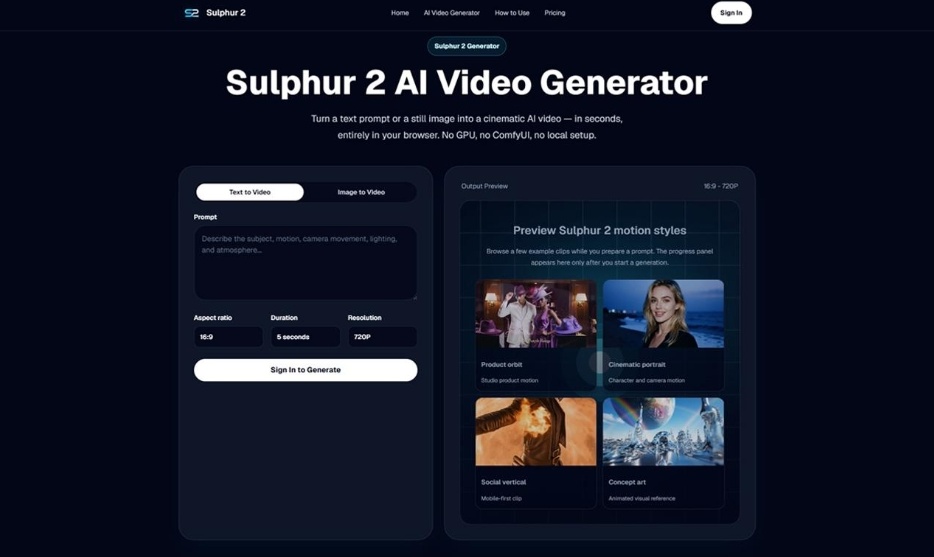
Table of Contents
Why AI Video Matters for Small Teams
Large companies have design teams, editors, and production budgets. Small teams often have one person handling marketing, content, and customer communication. In that context, speed matters.
Sulphur 2 lets teams generate short AI videos directly in the browser from text prompts or reference images. No local installation, GPU setup, or complicated editing workflow is required—so your first result appears in minutes.
This makes it ideal for early-stage content work. Teams can test product teasers, animate static images, explore social hooks, or create rough storyboards to decide whether an idea is worth pursuing further.
Start With a Business Goal, Not Just a Prompt
The biggest mistake many users make is starting with a vague prompt. A better approach is to begin with your business goal:
- Do you need a product clip for a landing page?
- A vertical social media hook for TikTok or Instagram Reels?
- A quick visual concept for an ad?
- A storyboard preview for an upcoming campaign?
Once the goal is clear, writing a prompt becomes easier. Instead of saying “make a cool product video,” describe: subject, setting, action, camera movement, lighting, and mood.
Example prompt:
“A compact skincare bottle on a clean bathroom counter, soft morning light, slow dolly-in camera movement, fresh premium lifestyle style, gentle reflections, smooth cinematic pacing.”
This gives Sulphur 2 a clear direction and makes it easier to evaluate and refine results.
Image-to-Video: The Most Practical Use Case
For many small businesses, image-to-video is the most useful feature. Upload a product photo, brand graphic, concept art, or campaign image, and Sulphur 2 turns it into a short moving clip.
Why it matters: visual consistency. A product can stay true to its original design, a static poster can become a dynamic social video, and a concept sketch can become a quick pitch asset for a client or internal team.
- Ecommerce brands: add a slow zoom, orbit motion, or clean studio-style movement to a product shot.
- Social media creators: animate thumbnails, lifestyle photos, or campaign visuals.
- Creative teams: bring moodboards and storyboards to life.
Text-to-Video Works Best With Clear Shot Direction
If you don’t have an image, text-to-video is still powerful—but the prompt should be precise. Think like a director:
- Subject first
- Action and background
- Camera movement
- Lighting and mood
- Style
Words like close-up, wide shot, dolly-in, tracking shot, orbit motion, slow motion, soft studio lighting help videos feel intentional rather than random.
Clear shot direction turns generic AI outputs into usable marketing or social clips.
Where Sulphur 2 Fits in a Marketing Workflow
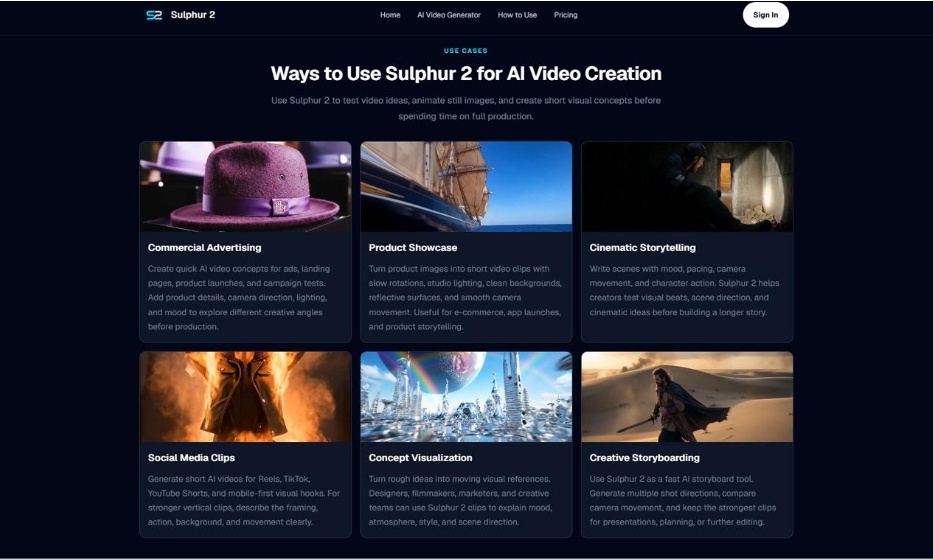
Sulphur 2 isn’t meant to replace every branded video. Instead, it excels in the early stages of content creation, where speed and experimentation matter:
- A founder can test three product video concepts before briefing a designer.
- A social media manager can generate multiple visual hooks before selecting the strongest one.
- A marketer can animate static campaign assets for a landing page draft.
- Creative teams can make storyboards feel more concrete and visually understandable.
Fast drafts reduce guessing and accelerate decision-making.
A Simple Workflow for Small Teams
- Define your goal: product page, social post, ad test, storyboard, or internal pitch.
- If you have an image, start with image-to-video and keep initial motion simple.
- If starting from text, write a prompt with subject, action, camera movement, lighting, and mood. Don’t overload the prompt.
- Choose the format: vertical for mobile/social, landscape for websites, presentations, or product showcases.
- Review like a marketer, not just a viewer. Check if the clip highlights the product or idea, whether the first seconds capture attention, and if the motion supports the message.
What to Keep in Mind
AI video still needs human review. Ensure product accuracy, brand alignment, visual consistency, and message clarity. Refine the prompt if needed before using the clip publicly.
Sulphur 2 uses a credit-based system. New users can start with free credits, making it easy to test a short 5-second clip before committing more resources.
Final Thoughts
The strength of Sulphur 2 is simplicity and practicality. It turns prompts and images into short AI videos directly in the browser without complicated software or setups.
For creators, marketers, designers, and small businesses, it helps:
- Test product ideas quickly
- Animate static visuals
- Explore social hooks
- Build short visual drafts for early-stage campaigns
If you want to experiment with AI video without technical overhead, Sulphur 2 is a practical starting point. Start with one clear prompt or image, generate your first clip, and refine it step by step.

