

Your keyboard is the single most-touched piece of hardware in your gaming setup. Every clutch play, every perfectly timed ability, and every rapid-fire command flows through your fingertips and into the keys beneath them. A great keyboard doesn’t just register inputs it becomes an extension of your reflexes, shaping how you interact with virtual worlds and competitive arenas alike. Yet walking into the market for a programmable gaming keyboard today can feel paralyzing. Hundreds of models compete for attention, each boasting different switches, layouts, lighting systems, and macro engines that promise to elevate your gameplay.
This guide cuts through the noise. Whether you’re a seasoned enthusiast chasing millisecond advantages or a newcomer building your first dedicated gaming station, we’ll break down the specifications that actually matter, explore customization possibilities that go far beyond RGB effects, and help you understand where your money delivers real value. By the end, you’ll have a clear, step-by-step framework to confidently choose the programmable gaming keyboard that fits your hands, your games, and your budget.
Table of Contents
1. Demystifying Essential Programmable Gaming Keyboard Features
At its core, a programmable gaming keyboard lets you assign custom actions to any key. This means recording complex macros—multi-step command sequences executed with a single press—and fine-tuning RGB lighting zones to signal cooldowns, health status, or simply match your aesthetic. These gaming keyboard features separate a dedicated peripheral from a generic office board, but they’re just the starting point.
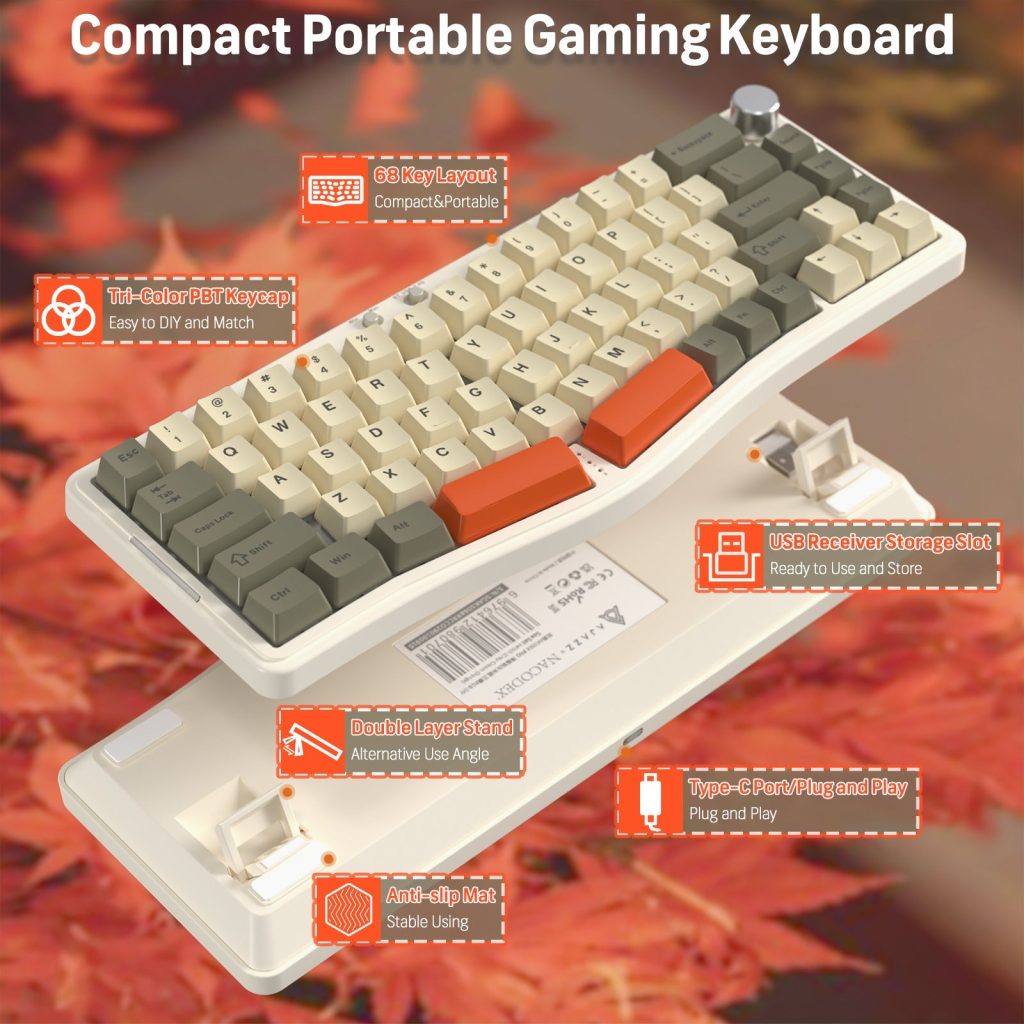
Anti-ghosting ensures every simultaneous keypress registers accurately, while N-key rollover (NKRO) guarantees that no matter how many keys you slam at once, nothing gets dropped. For competitive play, these aren’t luxuries—they’re necessities. Build materials also matter more than most buyers realize. An aluminum top plate adds rigidity and reduces flex during intense sessions, whereas an all-plastic chassis may feel hollow and slide under pressure. Finally, connectivity shapes your experience: wired USB connections deliver the lowest latency and uninterrupted power, while modern 2.4 GHz wireless options now approach wired speeds with the freedom of a clean desk. Bluetooth adds versatility for multi-device users but introduces slightly higher latency. Understanding these foundational specs gives you a reliable lens through which to evaluate every model you encounter.
2. A Deep Dive into Gaming Keyboard Switch Types
The switch beneath each keycap determines how a keystroke feels, sounds, and registers. This single component influences your typing speed, fatigue levels, and overall satisfaction more than almost any other specification. Three broad categories dominate the market: mechanical switches use a physical metal contact to register input and offer the widest variety of feel; optical switches trigger via a light beam interrupted by the stem, delivering faster actuation and longer lifespan with virtually no debounce delay; membrane switches use a pressure pad beneath a rubber dome, offering quiet and affordable operation but sacrificing the precision and durability gamers typically demand.
Mechanical Switch Variants (Linear, Tactile, Clicky)
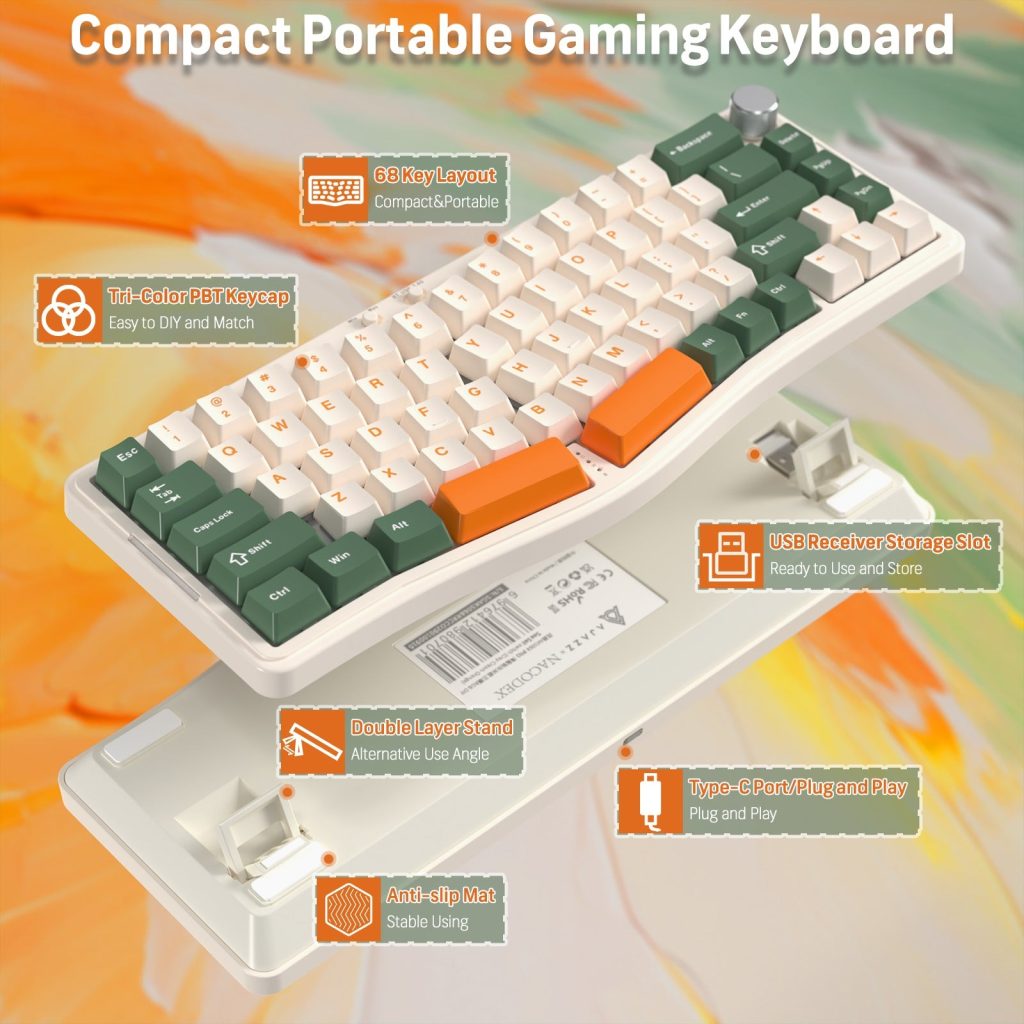
Mechanical switches split into three families. Linear switches—like Cherry MX Red or Gateron Yellow—travel smoothly from top to bottom with no bump, making them ideal for rapid, repeated keypresses. Tactile switches such as Cherry MX Brown or Gateron Brown provide a subtle bump at the actuation point, giving your fingers confirmation without excessive noise. Clicky variants like Cherry MX Blue add an audible click on top of the tactile bump, satisfying for typists but potentially distracting in voice-chat environments. Each color code signals a specific actuation force and travel distance, so testing samples before committing is always worthwhile.
Choosing Switches for Your Game Genre
FPS players generally benefit from linear switches with light actuation force (around 45 g), enabling rapid strafing and spam-clicking without finger fatigue. MOBA and MMO players who rely on deliberate ability rotations often prefer tactile switches, where the feedback bump helps prevent accidental double-taps. If you split time between gaming and extended typing sessions, a medium-weight tactile switch strikes the best balance between speed and comfort. Ultimately, the right switch is the one that lets you play longer without strain while keeping your inputs precise under pressure.
3. Navigating Keyboard Sizes and Layouts for Gamers
The physical footprint of your keyboard directly affects how much desk real estate remains for mouse movement—a critical factor for low-sensitivity FPS players who sweep their mouse across large pads. Full-size boards include a dedicated number pad, function row, and navigation cluster, making them excellent for MMO players who bind abilities to the numpad or for anyone who frequently enters numerical data. The trade-off is a wider chassis that pushes your mouse hand further from center, potentially straining your shoulder during marathon sessions.
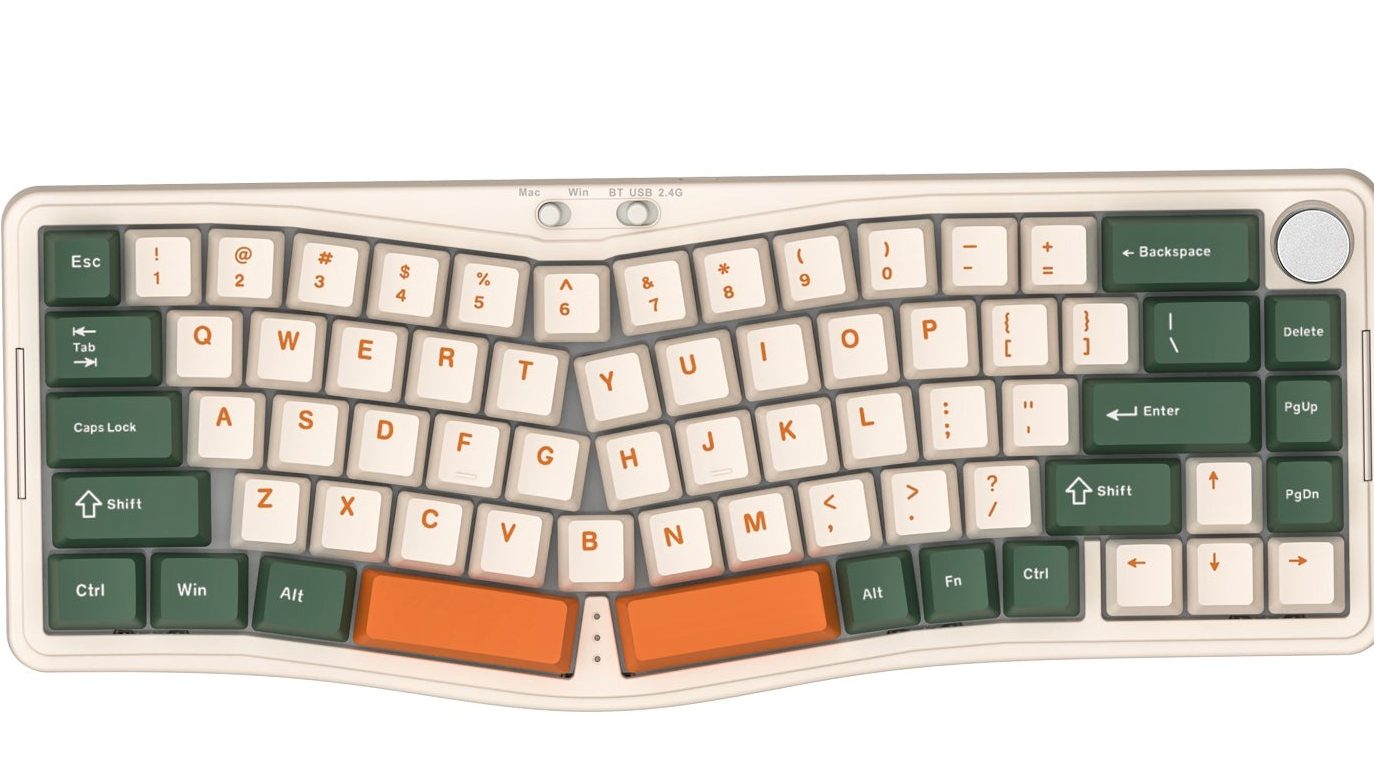
Tenkeyless (TKL) keyboards drop the number pad while retaining the function row and arrow keys, reclaiming roughly three inches of desk space without sacrificing commonly used navigation keys. This makes TKL the most popular choice among competitive gamers who want a balance between functionality and freedom. Compact layouts push further: 75% boards compress the function row and navigation keys into a tighter grid, while 60% models eliminate both entirely, relying on function layers accessed through key combinations. These keyboard sizes suit players with limited desk space or those who travel to LAN events, though the learning curve for layered shortcuts can slow you down initially. When choosing, consider your keybind complexity—if your game demands dozens of unique binds, a larger layout prevents awkward layer gymnastics and keeps every command one press away.
4. Keycap Replacement and Personalization Strategies
Once you’ve settled on a keyboard, keycap replacement opens an entirely new dimension of customization that extends the life and feel of your board. Stock keycaps wear down over time—legends fade, surfaces become slick with use, and the texture that once felt grippy turns smooth and unreliable during intense sessions. Swapping them out refreshes your keyboard’s tactile character and visual identity without buying an entirely new peripheral.
Material choice matters most. ABS (acrylonitrile butadiene styrene) keycaps are lightweight and affordable but develop shine quickly as oils from your fingers polish the surface. PBT (polybutylene terephthalate) keycaps resist shine far longer, feel slightly grittier under the fingertips, and produce a deeper, thockier sound on each press. Beyond material, keycap profile—the shape and height of each cap—affects how your fingers land. OEM and Cherry profiles offer sculpted rows that guide your hands naturally, while DSA and XDA profiles present a uniform, flat surface across all rows, preferred by players who frequently rebind keys to non-standard positions. Before purchasing a set, confirm stem compatibility: most mechanical keyboards use a Cherry MX-style cross stem, but some proprietary designs require brand-specific caps. To swap keycaps safely, use a wire keycap puller rather than prying with flat tools, pull straight upward with gentle rocking, and seat new caps by pressing firmly until you hear a click. This simple process takes minutes and transforms both the look and feel of your setup.
5. Evaluating Gaming Keyboard Cost and Overall Value
Understanding keyboard cost across different tiers helps you set realistic expectations and avoid overpaying for features you’ll never use. Budget boards in the $30–$60 range typically deliver basic mechanical switches (often Outemu or proprietary variants), single-zone or limited RGB lighting, and plastic construction. They get the job done for casual gaming but sacrifice software depth, build longevity, and premium feel. Mid-range options between $60–$130 represent the sweet spot for most gamers, offering reputable switches from Cherry or Gateron, per-key RGB with robust software suites, aluminum top plates, and reliable wireless connectivity. Brands like ATTACK SHARK have gained traction in this segment by pairing hot-swappable mechanical switches with competitive pricing, giving gamers meaningful programmability—layered profiles, complex macro editors, and cloud-synced settings—without entering diminishing-returns territory.
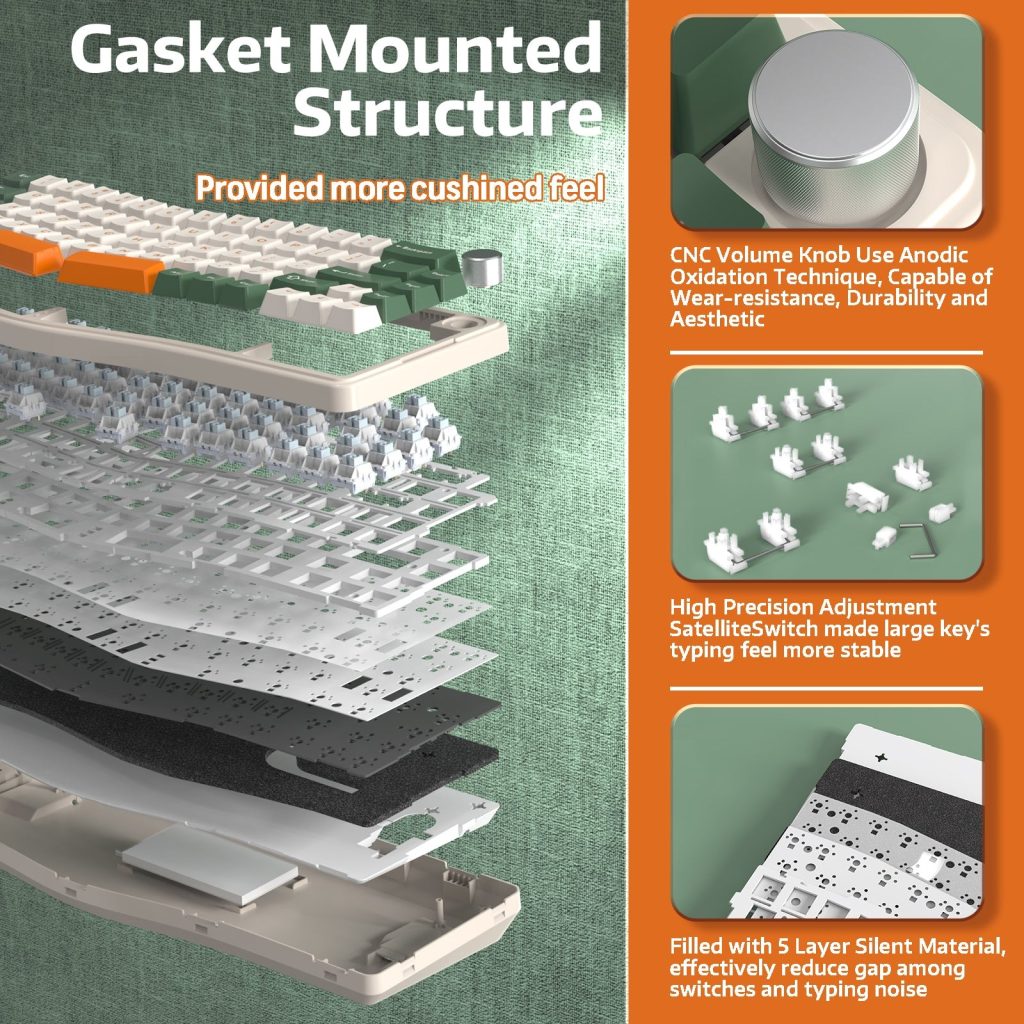
Premium keyboards above $130 cater to enthusiasts who demand gasket-mounted plates for superior acoustics, premium PBT keycaps out of the box, and polished software ecosystems with onboard memory for tournament use. Several factors drive price beyond raw specifications: brand reputation and after-sales support, included extras like wrist rests or carrying cases, and firmware update frequency that keeps your board compatible with new games and operating systems. The smartest approach is identifying which features directly improve your gameplay or daily comfort, then spending accordingly rather than chasing flagship models packed with capabilities that sit unused.
6. Your Step-by-Step Guide to the Perfect Selection
With all the foundational knowledge in place, here’s how to turn research into a confident purchase. Start by honestly assessing your primary use case—are you a competitive FPS player who needs speed above all else, an MMO enthusiast managing dozens of keybinds, or a hybrid user splitting time between gaming and productivity? Pair that answer with a firm budget ceiling so you avoid feature creep that drains your wallet without improving your experience.
Next, prioritize your must-have features. If low latency is non-negotiable, wired connectivity and optical or linear mechanical switches jump to the top. If portability matters, a compact wireless board with onboard memory earns priority. With your feature list set, narrow your options by switch type and keyboard size—eliminate anything that doesn’t match your genre needs and desk constraints. From there, compare your shortlisted models on real-world reviews, warranty length, and software reliability rather than spec sheets alone. Pay attention to how responsive the manufacturer is with firmware updates and customer support. Finally, make the purchase knowing that your keyboard can evolve with you—hot-swap sockets let you experiment with new switches later, and keycap replacement refreshes the feel and look without starting over. Treat your choice as a platform for ongoing personalization rather than a static product.
Making Your Final Keyboard Decision with Confidence
Choosing the right programmable gaming keyboard comes down to five interconnected decisions: understanding the features that separate a gaming-grade board from a generic one, selecting a switch type that complements your genre and playstyle, picking a size that balances desk freedom with keybind accessibility, planning for long-term personalization through keycap replacement and profile tweaks, and aligning your budget with the tier of quality that genuinely impacts your daily experience. No single keyboard is universally perfect—what dominates in a competitive FPS setup may feel limiting for an MMO player managing three action bars worth of abilities.
The real power of a programmable gaming keyboard lies in its adaptability. It grows with you as your skills sharpen, your game library shifts, and your preferences evolve. Use the step-by-step framework outlined above to cut through marketing hype, focus on the specifications that serve your hands and your habits, and invest with confidence. The right board won’t just keep up with your reflexes—it will reward them every single session.

