
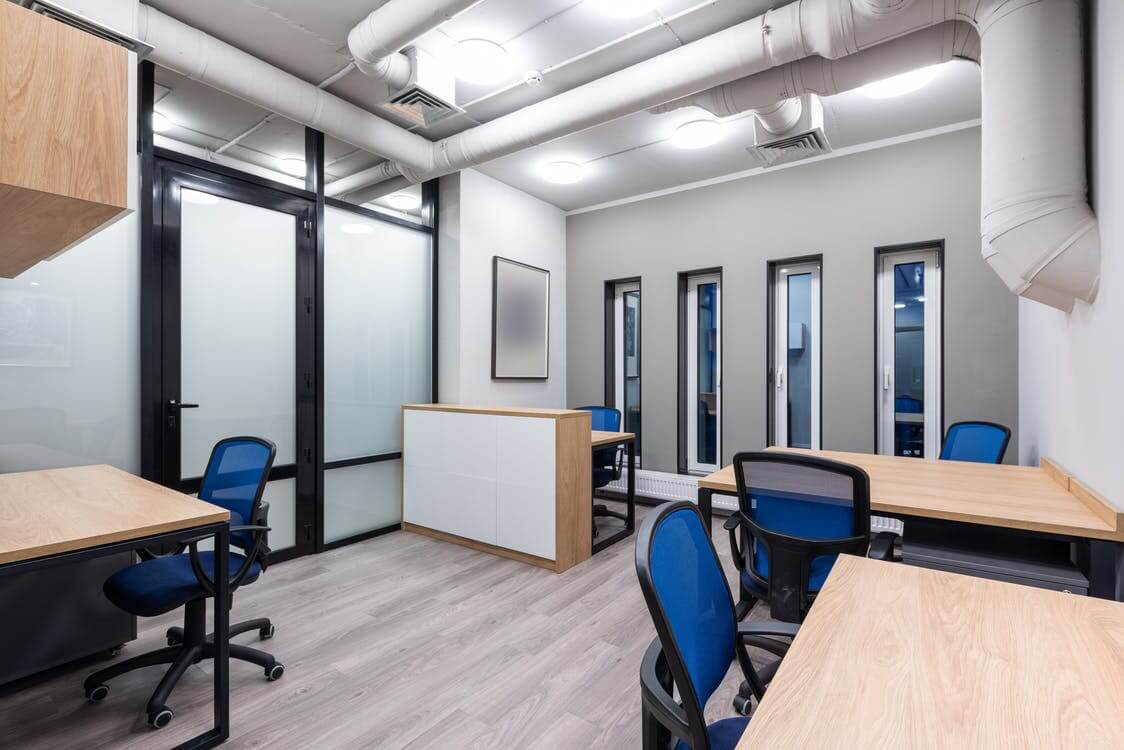
With a lot of the world now working from home permanently, it should be on most people’s minds how they can make their home workspace as optimized as possible. There is a special challenge around creating a work environment in your own home, because it can be unhealthy to have that world spill into your personal life.
TechQuarters, a Microsoft Partner, and one of the most trusted IT Support Companies in London, discussed some useful tips that anyone who is working from home should take, around organising their workspace, not only for productivity but to encourage a clear mind and positive attitude towards your work.
“We don’t just provide office-based IT Support Central London,” says TechQuarters. “We’ve helped VIP users with home installations, and we’re great at helping set up the perfect home office.”
To start with, you should approach your workspace organisation from a blank canvas. Try to clear out your entire office, desk, or section of your table, and give it a good clean. This does two things: firstly it allows you to clean your area efficiently; and secondly, it gives you the opportunity to look at everything you removed from your workspace and decide whether it is really all necessary – you may find you can get rid of a few things.
Now, you can figure out what items are truly essential to your everyday work and workspace. Try to keep this as streamlined as possible.
The next important thing is to make sure everything has a home. Once you know what you need for your work, you can’t just leave it lying in a free space on your desk; this will quickly turn into clutter. Instead, look into some storage solutions, such as pen holders, small drawers, and stands.
You should also try and minimize cables as much as possible. Logitech, for example, provides a range of wireless keyboard and mouse combos at a range of prices. Or else, there are many cable organising solutions out there.
Or you could invest in 2-in-1 notebook, such as the Microsoft Surface, alongside one of Microsoft’s wireless mouses or a stylus. This way, you can have a clean, wire free desktop work experience, or else you can work on the Surface as a tablet for a more minimalist way of working. If you are a business, there are many Microsoft Experts who can help you purchase Microsoft Surfaces are preferential rates and help you set them up for your users.
Table of Contents
A few extra tips
Keep some wipes, tissues, and even a little spray bottle of surface cleaner to ensure your workspace is not only tidy but hygienic.
Don’t forget a waste paper bin at the very least. You could even stretch for a small waste sorting solution to split your recycling and general rubbish.
If you own your home, or your landlord permits it, consider putting up some shelves for useful, but non-essential items in your workspace.

