
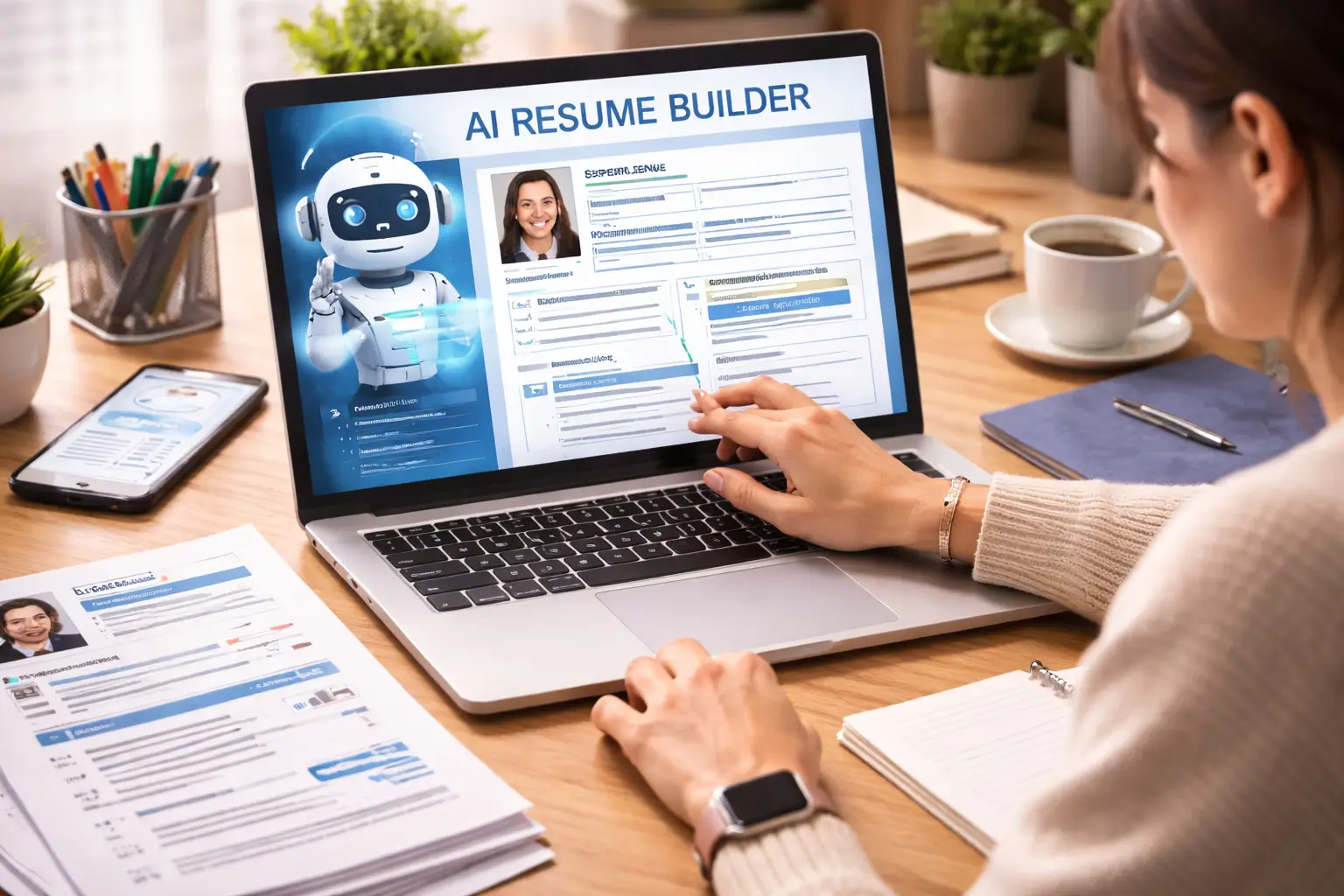
Writing a resume from scratch can take hours.
You have to decide what information to include, write strong bullet points, choose a format, check your grammar, and then change the resume again for each job.
An AI resume builder can make some of that work easier.
These tools can help create resume sections, rewrite bullet points, find keywords in a job description, check formatting, suggest improvements, and in some cases help track your job applications.
But there is one important thing to remember.
An AI resume builder should help you present your real experience better. It should not invent jobs, skills, achievements, certifications, or numbers.
There are now dozens of tools in this category. Some focus on ATS optimization, some focus on design, while others combine resume building with job tracking and LinkedIn optimization.
Below are more than 40 tools worth knowing about in 2026.
Table of Contents
AI Resume Builders at a Glance
| Tool | Main Use |
|---|---|
| Teal | Resume building and job tracking |
| Jobscan | ATS and job-description matching |
| Rezi | ATS-focused resume creation |
| Huntr | Tailored resumes and job tracking |
| Kickresume | AI writing and templates |
| Enhancv | Resume design and AI assistance |
| Resume Worded | Resume scoring and feedback |
| Careerflow | Resume and LinkedIn optimization |
| Simplify Copilot | Resume help and job applications |
| Resume.io | Resume templates and AI writing |
| Zety | Guided resume creation |
| MyPerfectResume | Guided resume builder |
| Resume Genius | First-time resume creation |
| Novorésumé | Clean resume templates |
| Hiration | Resume building and optimization |
| Resumatic | AI resume enhancement |
| Resumaker AI | AI-assisted resume creation |
| Wozber | ATS optimization |
| FlowCV | Online resume creation |
| VisualCV | Resume creation and design |
| Standard Resume | Clean professional resumes |
| SkillSyncer | Keyword matching |
| OpenResume | Free resume building |
| Reactive Resume | Open-source resume creation |
| BeamJobs | Resume builder with AI help |
| LiveCareer | Resume and career tools |
| ResumeNerd | Resume creation |
| LoopCV | Resume and application tools |
| OptiResumeAI | Resume optimization |
| AIApply | AI resume and job search tools |
| ResumAI by Wonsulting | AI resume generation |
| ResumeBuildAI | AI resume creation |
| ResumeBuilder.com | Resume building |
| Career.io | Resume and career tools |
| CakeResume | Resume and profile creation |
| CVwizard | CV and resume creation |
| Jobseeker | Resume and job-search tools |
| WonsultingAI | AI career tools |
| Swooped | Resume and job-search assistance |
| CV Compiler | Resume analysis |
| Resmume | AI-assisted resume creation |
Current comparison pages show that tools in this space vary widely in how they handle AI writing, ATS matching, job tracking, templates, and user control.
What Is an AI Resume Builder?
An AI resume builder is software that uses artificial intelligence to help you create or improve a resume.
A basic resume builder may only provide templates and formatting.
An AI-powered builder can go further by helping with the actual content.
For example, you may enter:
“Managed a customer service team.”
The software may suggest a stronger version based on the information you provide.
Some platforms can also take a job description and identify skills or keywords that may be relevant to your application.
The important part is to check every suggestion before using it.
1. Teal
Teal combines resume building with job tracking.
Its AI tools can help draft resume sections and tailor a resume to a particular job. The platform also lets users organize applications and create different resume versions.
This can be useful for people applying to many jobs because the resume and job-search process stay connected.
Best suited for: Active job seekers who want resume building and application tracking in one place.
2. Jobscan
Jobscan focuses heavily on job-description matching and ATS optimization.
It is useful when you already have a resume and want to compare it with a specific job posting.
The platform can highlight missing keywords and other areas that may need attention.
Best suited for: Job seekers who want to improve the match between their resume and a target role.
3. Rezi
Rezi is built around ATS-friendly resume creation and optimization.
It can help users write resume content, work with keywords, and create a structured resume designed for online applications.
Its approach is more focused on job application optimization than visual design.
Best suited for: People who care about ATS compatibility and targeted resumes.
4. Huntr
Huntr combines an AI resume builder with job tracking.
Its AI can help generate summaries and bullet points based on your existing experience, while its job tools let you manage applications.
One useful feature is the ability to work from a particular job posting instead of creating one generic resume for everything.
Best suited for: People applying to multiple jobs and tailoring resumes along the way.
5. Kickresume
Kickresume combines AI writing with professional templates.
It can help create resume content, cover letters, and other job-search documents.
The tool is also useful for people who want more control over visual presentation while still using AI for some of the writing.
Best suited for: Professionals who want AI writing plus flexible templates.
6. Enhancv
Enhancv puts more attention on design and storytelling.
It can help users create visually polished resumes while providing AI-assisted content tools.
However, heavily designed resumes are not always the right choice for every U.S. job. A clean, readable format is usually a safer option when ATS parsing matters.
Best suited for: Creative professionals and people who want more visual control.
7. Resume Worded
Resume Worded focuses more on improving an existing resume than simply creating one from scratch.
Its AI-powered system reviews resumes and gives feedback on content, impact, and other areas.
The platform says its feedback is built around checks used in recruiter review.
Best suited for: People who already have a resume and want detailed feedback.
8. Careerflow
Careerflow combines resume tools with LinkedIn optimization and job-search features.
Its AI can help rewrite resume sections and tailor content to specific roles.
It can be useful when you want your resume and LinkedIn profile to support the same career goal.
Best suited for: Job seekers who want broader career tools rather than only a resume builder.
9. Simplify Copilot
Simplify focuses on helping job seekers move through applications more quickly.
Its tools can assist with resumes and also support the job application process.
The platform can be particularly useful for people who apply through online job portals regularly.
Best suited for: High-volume job applications and people who want application assistance.
10. Resume.io
Resume.io provides templates and guided resume creation.
The platform is useful for people who already understand their career story and mainly need help turning it into a professional document.
Its AI features can assist with writing and editing.
Best suited for: Beginners and users who want a straightforward resume builder.
11. Zety
Zety uses a guided approach that takes users through different resume sections.
This can make the process easier for someone who is unsure what to write in a professional summary or work-experience section.
Its focus is more on guided creation than deep job-search workflow management.
Best suited for: First-time resume writers.
12. MyPerfectResume
MyPerfectResume offers guided resume building and helps users create sections step by step.
It can be useful when you know your work history but are unsure how to turn it into resume language.
Best suited for: Beginners who need structure.
13. Resume Genius
Resume Genius is another guided platform designed to make resume creation easier.
The tool provides prompts and examples while you build each section.
Best suited for: Students, recent graduates, and first-time resume writers.
14. Novorésumé
Novorésumé focuses on clean resume templates and guided creation.
Its templates are useful for professionals who want a modern layout without making the document overly complicated.
Best suited for: Clean, professional resume design.
15. Hiration
Hiration combines resume building with resume review and optimization features.
It can help users work on resumes, cover letters, and job-related documents.
Best suited for: Job seekers looking for a wider career-document toolkit.
16. Resumatic
Resumatic focuses on improving resume content with AI.
It can help rewrite bullet points, improve wording, and work with job-related keywords.
The main benefit is faster editing rather than manually rewriting every section yourself.
Best suited for: People who already have resume content and want to improve it.
17. Resumaker AI
Resumaker AI helps users generate resume content and structure through AI-assisted workflows.
It can be useful for people who want a quick starting point and then plan to edit the output themselves.
Best suited for: Quick resume drafts.
18. Wozber
Wozber combines resume building with ATS-focused features.
It allows users to work with job descriptions and improve the resume for a particular role.
Best suited for: Job seekers focused on ATS matching and customization.
19. FlowCV
FlowCV is an online resume builder that focuses on creating and customizing resumes through a browser-based editor.
Its straightforward structure makes it useful for people who want control without starting in Word or Google Docs.
Best suited for: Users who want an easy online resume editor.
20. VisualCV
VisualCV focuses on resume creation, templates, and online resume presentation.
It can be useful for people who want a resume that works as both a document and an online professional profile.
Best suited for: Professionals who care about presentation and online visibility.
21. Standard Resume
Standard Resume takes a simpler approach.
Instead of relying on flashy layouts, it focuses on clean professional formatting.
That can be useful for job seekers who want their experience to be the main focus of the document.
Best suited for: Simple professional resumes.
22. SkillSyncer
SkillSyncer focuses on matching resumes with job descriptions.
It can help identify keywords and compare a resume with the requirements of a particular job.
This makes it more of an optimization tool than a full design platform.
Best suited for: Keyword and job-description matching.
23. OpenResume
OpenResume is aimed at people who want a free resume-building option.
Its simple approach can work for users who prefer more control over their document instead of relying heavily on AI-generated content.
Best suited for: Free resume creation.
24. Reactive Resume
Reactive Resume is an open-source resume-building project.
It gives users more control over the resume-building process and can be useful for technically comfortable users who prefer open tools.
Best suited for: Users who want an open-source resume option.
25. BeamJobs
BeamJobs combines guided resume creation with AI assistance.
It focuses on helping users build a job-ready resume while keeping the process relatively simple.
Best suited for: Job seekers who want guided resume creation.
26. LiveCareer
LiveCareer provides resume-building and wider career services.
It can be useful for people who want resume help along with additional job-search resources.
Best suited for: Job seekers looking for a broader career platform.
27. ResumeNerd
ResumeNerd focuses on helping users create professional resumes through templates and guided content.
It is another option for users who want more structure than a blank document provides.
Best suited for: Guided resume creation.
28. LoopCV
LoopCV goes beyond resume creation by combining resume tools with job-search automation.
It can help users manage resume versions while also working with job applications.
Entrepreneurs Break has also covered the difference between RoboApply and LoopCV for entrepreneurs entering the job market, including resume tailoring and application workflow features.
Best suited for: Job seekers who want resume help plus application automation.
29. OptiResumeAI
OptiResumeAI is part of the newer group of tools focused on AI-assisted resume optimization.
These platforms generally aim to improve wording, structure, and job relevance.
Best suited for: Resume optimization and tailoring.
30. AIApply
AIApply combines resume tools with other AI-powered job-search features.
This type of platform can be useful for people who want resume help as part of a larger automated job-search process.
Best suited for: Job seekers who want more than just resume creation.
31. ResumAI by Wonsulting
ResumAI focuses on using AI to help users generate and improve resume content.
It is part of Wonsulting’s broader career-focused toolset.
Best suited for: Fast AI-assisted resume creation.
32. ResumeBuildAI
ResumeBuildAI focuses on generating ATS-oriented resume content with AI.
The general workflow is to provide your career information, let the system generate a draft, and then revise the result.
Best suited for: Quick AI-assisted resume drafts.
33. ResumeBuilder.com
ResumeBuilder.com provides templates and guided resume creation.
It is useful for people who want a straightforward way to build and format a resume online.
Best suited for: Traditional resume building.
34. Career.io
Career.io combines resume services with other career tools.
Depending on the product, users can get help with resumes, job applications, and other parts of the job search.
Best suited for: People who want resume help combined with wider career services.
35. CakeResume
CakeResume combines resume creation with professional profile features.
It can be useful for candidates who want to present their experience online in addition to maintaining a traditional resume.
Best suited for: Professionals who want resume and profile presentation.
36. CVwizard
CVwizard provides an online way to create resumes and CVs using templates and guided sections.
Its straightforward approach works for users who mainly want help with formatting.
Best suited for: Simple resume creation.
37. Jobseeker
Jobseeker combines resume creation with other job-search tools.
It is aimed at users who want an easier process for creating application documents.
Best suited for: General job-search support.
38. WonsultingAI
WonsultingAI covers several parts of the job search, including resume and application support.
It can be useful when your goal is to connect your resume with a wider job-search workflow.
Best suited for: Resume and broader job-search optimization.
39. Swooped
Swooped provides job-search assistance and tools that can support resume and application work.
It is more useful for people who want resume help as part of a wider search process.
Best suited for: Job searching and application support.
40. CV Compiler
CV Compiler focuses on analyzing resumes and providing improvement suggestions.
That makes it useful when you already have a resume but want another layer of feedback.
Best suited for: Resume checking and optimization.

What Should You Look for in an AI Resume Builder?
The number of features does not tell you whether a tool is useful.
Look for these things instead.
1. ATS-Friendly Formatting
Your resume should be easy for software and humans to read.
For U.S. job applications, CareerOneStop recommends a simple layout with standard section headings, readable fonts, and clear formatting. It also warns that complicated columns, text boxes, images, and tables can create problems for some ATS systems. You can check its resume formatting guidance before choosing a template.
2. Job-Specific Tailoring
A strong resume should not be exactly the same for every job.
A software engineering job and a marketing position may need different skills and achievements highlighted.
Tools such as Jobscan, Teal, Rezi, Huntr, Careerflow, and SkillSyncer are built around different forms of job-description matching or tailoring. Current comparisons also show that this has become one of the main differences between AI resume platforms.
3. Control Over AI Suggestions
The AI should suggest changes, not make up facts.
Never accept a generated bullet point that changes your real experience.
If you managed five employees, the tool should not turn that into 15.
If you increased sales by 10%, it should not invent a 30% increase.
4. Easy Editing
You should be able to change any AI-generated content.
Your resume needs to sound like you.
5. Multiple Resume Versions
You may need different versions for different positions.
A good tool should make it easy to keep a master resume and create tailored copies.
6. Transparent Pricing
Do not only look at the first price shown.
Check the renewal period, download limits, free-plan restrictions, and cancellation terms before paying.
Current comparisons show significant differences in free plans, exports, billing periods, and AI limits across resume builders.
AI Resume Builder vs. ChatGPT
You can use ChatGPT to help write a resume.
But a dedicated AI resume builder usually adds features around the writing itself.
A resume builder may provide:
- Resume templates
- ATS checks
- Job-description matching
- Resume scoring
- Multiple versions
- PDF/DOCX exports
- Job tracking
- LinkedIn optimization
ChatGPT is more flexible for general writing and brainstorming.
A dedicated resume platform is usually better when you want the resume, job posting, and application process connected.
Can AI Create a Resume From Scratch?
Yes, but you should not expect the first version to be perfect.
The best approach is to give the tool enough real information.
Provide:
- Your job titles
- Employers
- Dates
- Responsibilities
- Achievements
- Skills
- Tools you actually use
- Education
- Certifications
- Relevant projects
Then review what the AI creates.
AI is much better at improving accurate information than inventing a career history.
Can an AI Resume Builder Make a Resume ATS-Friendly?
It can help, but there is no universal ATS score that guarantees a resume will pass every system.
Different employers can use different applicant tracking systems and configurations.
A practical goal is to use a clean format, standard headings, relevant language from the job description, and real evidence of your skills.
Avoid keyword stuffing.
A resume should make sense when a recruiter reads it.
Should You Use an AI Resume Builder for Every Job?
You do not have to rebuild the entire resume every time.
A better approach is to keep a strong master resume.
Then create a tailored version for each important job application.
Change the summary, skills, and selected achievements based on what the employer is actually looking for.
This is one reason job-description matching tools have become popular. Current AI resume comparisons repeatedly highlight tailoring as a major part of the modern resume workflow.
Which AI Resume Builder Should You Use?
There is no single tool that fits every job seeker.
Your choice depends on what you need.
If ATS Matching Matters Most
Consider tools such as Jobscan, Rezi, Wozber, SkillSyncer, or Resume Worded.
If You Apply to Many Jobs
Teal, Huntr, Careerflow, and other job-search platforms can be useful because they combine resume work with application tracking.
If Design Matters
Kickresume, Enhancv, VisualCV, CakeResume, and Canva-style platforms may give you more presentation options.
If You Already Have a Resume
Resume Worded, Jobscan, SkillSyncer, and other optimization-focused tools can make more sense than starting from scratch.
If You Are a Beginner
Zety, Resume Genius, MyPerfectResume, Kickresume, and similar guided builders can make the process easier.
If You Want Free or Open Options
OpenResume and Reactive Resume are worth looking into, while several commercial platforms also provide limited free plans.
Do Free AI Resume Builders Work?
They can.
Free tools are often enough for people who need:
- A basic professional template
- Simple AI writing help
- A first resume draft
- Basic formatting
- Occasional resume updates
You may need a paid platform when you want advanced ATS analysis, unlimited AI use, multiple resume versions, job tracking, or additional career features.
Always check the exact free-plan limits before building your whole resume around a tool.
Common Mistakes When Using AI for Your Resume
Letting AI Invent Achievements
This is the biggest mistake.
Your resume must remain truthful.
Using Too Many Keywords
Keywords should fit naturally into real statements about your experience.
Choosing a Pretty Template That Is Hard to Read
A visually impressive resume is not useful if the important information is difficult to find.
Sending the Same Resume Everywhere
Tailor important sections to the job.
Forgetting to Edit AI Writing
AI-generated language can sound generic.
Change anything that does not sound like you.
Paying Before Checking the Billing Terms
A low introductory price may turn into a recurring subscription.
Read the renewal information first.
A Simple AI Resume Workflow
You do not need a complicated system.
Start with your existing resume or career notes.
Then:
Step 1: Build a complete master resume.
Step 2: Find the job you actually want.
Step 3: Read the job description carefully.
Step 4: Use an AI resume tool to identify relevant skills and gaps.
Step 5: Tailor your resume using only information that is true.
Step 6: Check the formatting.
Step 7: Read the entire resume yourself.
Step 8: Remove generic AI wording.
Step 9: Save the final version with the company and job title in the file name.
This process gives AI a useful role without handing over control of your career story.
Final Thoughts
There are now dozens of AI resume builders, and they are not all doing the same job.
Some are mainly resume editors.
Some focus on ATS optimization.
Some are built around job tracking.
Others focus on templates, LinkedIn profiles, or the wider job application process.
The 40 tools covered here give you a starting point, but the right choice depends on what you actually need.
Start with your goal.
If your problem is writing, look for strong AI drafting.
If your problem is ATS matching, look for job-description analysis.
If your problem is managing applications, look for a resume platform with job tracking.
And whatever tool you use, keep one rule in mind:
AI can improve your resume, but the experience on the resume must still be yours.
That is what makes a resume useful to both a hiring system and the person reading it.

