
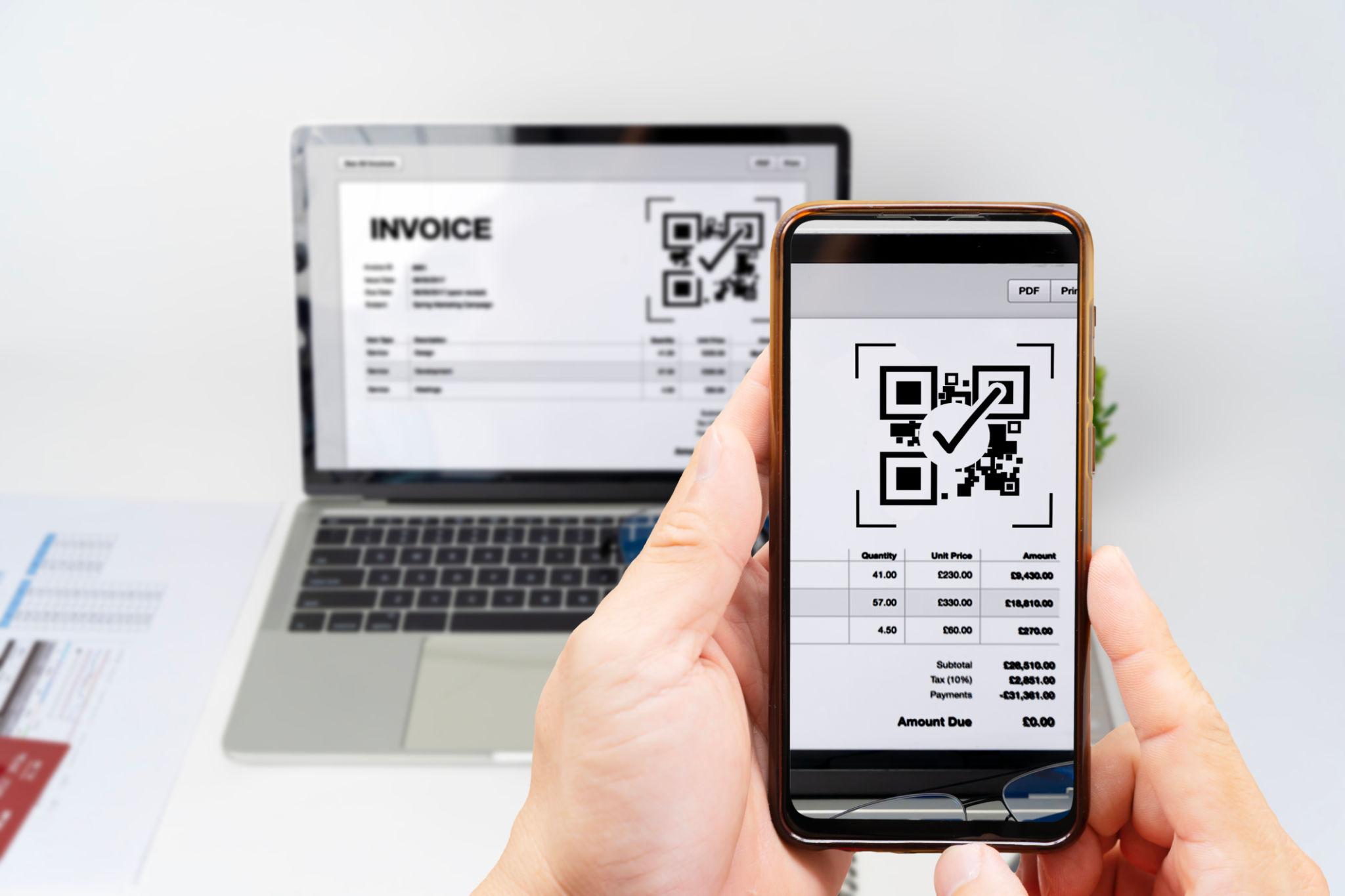
The QR code has become part of the ordinary business infrastructure again. It sits on invoices, warehouse labels, restaurant menus, product inserts, event tickets, classroom handouts, and software dashboards. The problem is that many QR tools now feel heavier than the task itself. For teams that simply need to turn a destination page into a scannable asset, url to qr code feels refreshing because it focuses on one clear job: converting a real web address into a QR image without wrapping the workflow inside a complex campaign system.
I looked at it less like a marketer testing a growth dashboard and more like an operations person preparing real materials for print and digital reuse. The test question was simple: when a QR image has to appear in many ordinary places, does the tool make the process cleaner, or does it add another layer to manage?
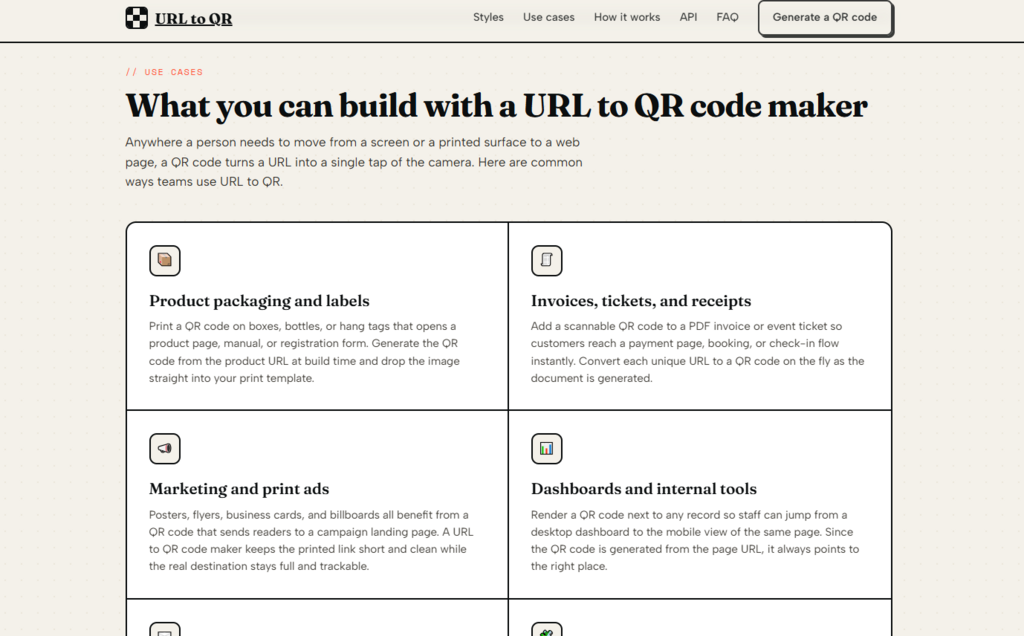
Table of Contents
Why Operational QR Codes Need Less Friction
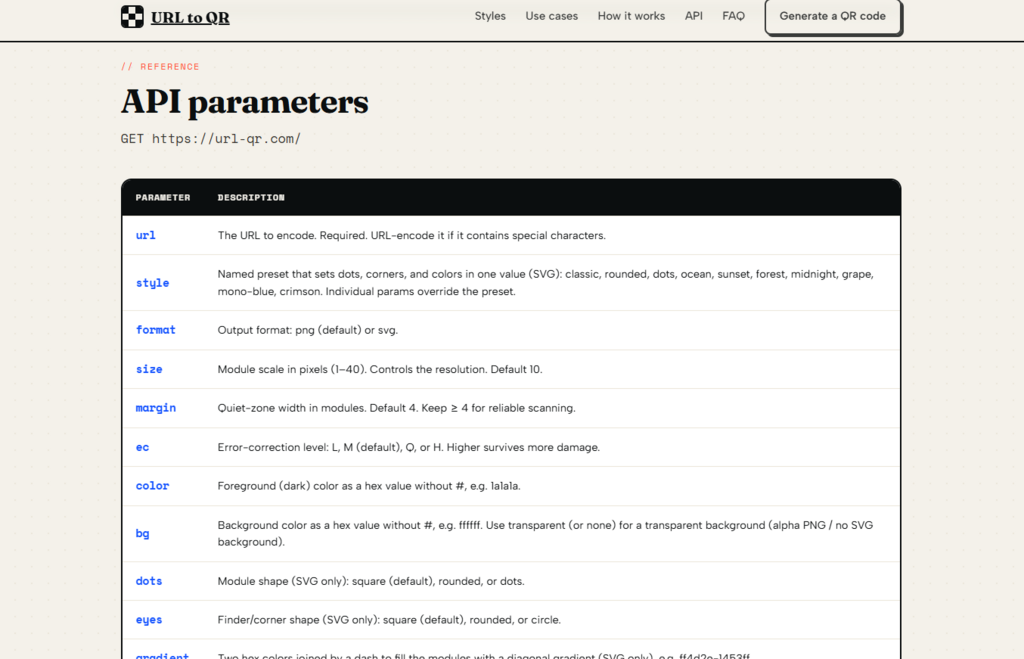
In daily business use, QR codes are often not creative campaigns. They are utility bridges. A printed card needs to open a setup guide. A PDF invoice needs to point to a payment page. A package insert needs to send a customer to registration. A dashboard needs to show a mobile handoff link.
In those cases, the best tool is often not the one with the most analytics screens. It is the one that makes the destination obvious, the output usable, and the process repeatable. This is where the product’s direct-link approach becomes important. The generated QR code contains the user’s original destination link rather than hiding it behind a platform-controlled short link.
Test Scenario For Printed Customer Materials
The first scenario was a customer-facing printed insert. The QR code had to be readable, visually clean, and simple enough to place into a layout without creating extra production work.
What The Test Revealed
The generator flow is direct. Paste the destination, preview the QR image, adjust the output, and use the result. The page gives practical controls for format, size, margin, error correction, foreground color, background color, transparent background, and visual style. That is enough to support a printed insert without forcing the user into campaign setup.
The strongest detail is the balance between simplicity and control. A plain black QR code can be created quickly, but the user can also adjust the image for a more polished layout. For printed materials, margin and contrast still matter. A beautiful QR code that does not scan reliably is not useful, so the safest approach is to keep the design clean and test it on the final material.
The Tool Feels Like A Production Utility
The product is not designed around a long onboarding path. It behaves more like a utility that can sit inside a broader workflow. That matters for teams that produce documents repeatedly.
A designer may need an SVG for a brochure. A support team may need a PNG for a help document. A developer may need a URL-based image source inside an internal system. The same core function supports each case without changing the basic logic.
Testing The Output Across Everyday Formats
My second test focused on where the QR image might end up. I considered a PDF, a webpage, an email layout, and a printed label. Each context has slightly different needs.
Where The Controls Become Useful
For a PDF or print layout, SVG is useful because it can remain sharp when resized. For fast digital placement, PNG is convenient. Size settings help create a QR code that fits the surrounding design. Error correction settings help when the code may be printed smaller or placed in less controlled conditions.
The tool also includes visual presets and style controls. From a practical perspective, these are useful when a code needs to look less generic, but they should be used carefully. Strong contrast and sufficient quiet space around the code remain more important than decorative styling.
Official Steps For Creating A QR Asset
The official workflow is short enough that the user does not need training. It is built around creating a usable QR image rather than managing a campaign record.
Step One Enter The Destination Page
The user starts by pasting the destination link into the generator. This is the page that scanners will open after scanning the QR image.
The Destination Remains The Core Asset
Because the QR code encodes the provided destination directly, the user should make sure the link is correct before using the image in production. This is especially important for printed materials, where mistakes are harder to fix after distribution.
Step Two Adjust The Image Output
The user can then choose the output format and adjust practical QR settings such as size, margin, error correction, colors, background, and available style options.
The Settings Support Real Placement Decisions
The settings are not just decorative. A larger size can help with readability. A clear margin gives scanners enough quiet space. Error correction can improve resilience when a code is printed, resized, or placed in a busier visual environment.
Step Three Save Or Reuse The Result
Once the QR image looks right, the user can download the file or copy the generated image link for use in a webpage, document, product interface, or backend-generated asset.
The Result Fits Manual And System Workflows
This final step makes the tool flexible. A nontechnical user can download an image for a flyer. A technical user can place the generated image URL inside HTML, PDF generation, or an internal dashboard.
A Practical Fit For Teams With Repeated Assets
The product becomes more valuable when QR creation is not a one-time task. Teams often need to generate similar QR assets across many documents: onboarding sheets, menus, product pages, invoice templates, support cards, event passes, and classroom materials.
In that setting, a lightweight url to qr code generator can reduce small points of friction. The user does not need to create a project, choose a campaign type, or manage a tracking dashboard. The workflow stays close to the actual job: create the image, place it, test it, and move on.
Best Use Cases In Daily Work
The best fit is any workflow where the QR code is part of an existing document or product process. A software company could place QR codes in customer onboarding materials. A small business could print QR links on packaging inserts. An event organizer could add QR access points to tickets or posters.
Where It Is Less Suitable
It is less suitable when the QR code is mainly a marketing measurement tool. If a team needs scan analytics, dynamic destination editing, campaign attribution, team dashboards, or geographic reporting, a broader QR campaign platform may be a better match.
Comparison With Heavier QR Platforms
The most useful comparison is not about which product has more functions. It is about which product matches the job.
| Evaluation Area | Focused QR Utility | Heavier QR Platform |
| Starting process | Paste a link and generate | Often requires campaign setup |
| Destination handling | Directly encodes the provided link | Often uses redirect infrastructure |
| Output control | Practical image and style settings | May include broader branding tools |
| Best format fit | PNG and SVG for documents and web | Varies by service and plan |
| Analytics focus | Not the core purpose | Often central to the product |
| Best user type | Operators, developers, document creators | Marketing and campaign teams |
| Learning curve | Low | Usually higher |
This comparison makes the product’s positioning clearer. It is not trying to replace a marketing analytics suite. It is trying to remove friction from QR image generation.
Real Boundaries Before Using It Publicly
The main limitation comes from the same decision that makes the tool transparent. A direct QR code is easy to understand, but it is not the same as a dynamic QR code. If the destination needs to be changed after printing, users should plan carefully before production.
There is also no reason to assume built-in scan analytics, campaign reporting, or audience tracking from the core workflow. The page is centered on generating QR images, not managing marketing intelligence. That is fine for many operational uses, but it should be understood before a team relies on it for a campaign.
Physical Testing Still Matters
QR reliability depends on the final environment. A code that works well on a screen may behave differently on glossy packaging, a folded insert, a small sticker, or a low-resolution print.
The Safe Production Habit
Before using any QR code at scale, print a real sample and scan it with several phones. Check the code under normal lighting, from realistic distances, and on the actual material. The generator can create the asset, but the final placement still deserves human testing.
Who Benefits Most From This Approach
This tool makes the most sense for people who value a clean, direct QR workflow: product teams, developers, educators, event organizers, small businesses, support teams, and content operators. It is especially useful when the QR code needs to live inside a document, product screen, printed label, ticket, invoice, or email.
Its value is not that it promises every QR-related feature. Its value is that it avoids turning a simple task into a complicated one. For users who need direct QR images with practical output control, that restraint is exactly the point.

